What Is an API Key? How It Works and Security Best Practices

July 16, 2025
An API key is a credential that identifies an application, project, or caller when it sends a request to an API. The API provider validates the key, applies its permissions and usage limits, and either forwards or rejects the request.
API keys are simple to issue and use, but they are bearer credentials: anyone who obtains a valid key may be able to use it. Treat every key as a secret, send it over HTTPS, restrict what it can access, rotate it, and monitor its use.
| Question | Short answer |
|---|---|
| What does an API key identify? | Usually an application or project, not an individual user |
| Where should it be sent? | Prefer a provider-defined request header |
| What is it used for? | Authentication, access policy, quotas, and usage attribution |
| Is it enough for user authorization? | Usually not; use OAuth or another user-aware mechanism |
How API Key Authentication Works
The exact header and policy vary by provider, but the basic flow is consistent:
- A developer registers an application and receives a generated key.
- The application stores the key in a protected secret store.
- The application includes the key in an API call.
- The API server or API gateway looks up or verifies the credential.
- The gateway checks whether the key is active, allowed to access the requested resource, and within its quota or rate limit.
- The request is forwarded or rejected, and the result is recorded for monitoring and audit.
sequenceDiagram
    participant App as Client application
    participant Gateway as API gateway
    participant Service as Backend service
    App->>Gateway: Request + API key
    Gateway->>Gateway: Validate key, scope, and quota
    alt Valid and allowed
        Gateway->>Service: Forward request
        Service-->>Gateway: Response
        Gateway-->>App: API response
    else Invalid or not allowed
        Gateway-->>App: 401, 403, or 429 response
    end
An API can use the key for several related purposes:
- Project identification: attribute calls to an application, tenant, or integration.
- Access control: allow the key to call selected APIs or operations.
- Usage control: limit the number of calls or concurrent requests.
- Analytics and billing: measure usage by consumer or plan.
- Incident response: disable one integration without affecting every client.
API Key Request Examples
Follow the provider's documentation for the exact header name. A custom header is common:
curl "https://api.example.com/v1/orders" \
  -H "X-API-Key: $EXAMPLE_API_KEY" \
  -H "Accept: application/json"
In Python, read the value from a secret-backed environment variable rather than embedding it in source code:
import os
import requests

response = requests.get(
    "https://api.example.com/v1/orders",
    headers={"X-API-Key": os.environ["EXAMPLE_API_KEY"]},
    timeout=10,
)
response.raise_for_status()
Some providers use an Authorization scheme instead:
Authorization: ApiKey <credential>
Avoid putting credentials in query strings unless the API has no safer supported option. URLs can appear in logs, browser history, analytics systems, screenshots, and copied links.
API Key vs. Access Token vs. Password
| Credential | Usually represents | Typical lifetime | Best fit |
|---|---|---|---|
| API key | Application or project | Long-lived until rotated or revoked | Server-to-server access and usage attribution |
| OAuth access token | User or workload with delegated scopes | Short-lived | User-aware or delegated authorization |
| JWT | Claims signed by an issuer | Usually time-limited | Verifiable identity or authorization claims |
| Password | Human account | Long-lived | Interactive sign-in, not application API calls |
The terms key and token are not used consistently across providers. Evaluate the credential's actual behavior: who it represents, how it expires, which permissions it carries, whether it can be revoked, and how the server validates it.
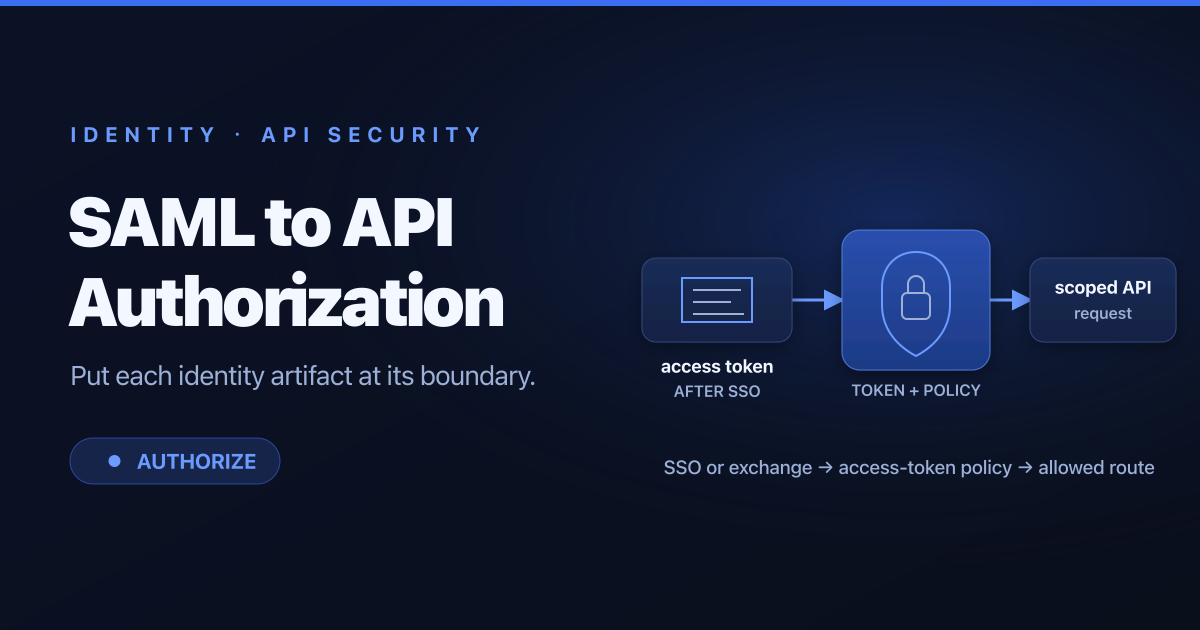
An API key alone is usually a poor choice for authorizing sensitive actions on behalf of a user. It identifies the calling application but may not prove which user initiated a request. Use OAuth 2.0, OpenID Connect, mutual TLS, workload identity, or another mechanism that matches the trust model.
API Key Security Best Practices
Generate Strong, Distinguishable Keys
Generate credentials with a cryptographically secure random source and enough entropy to resist guessing. A non-secret prefix can identify the provider, environment, or credential type and help secret-scanning tools recognize an exposed key. Do not encode permissions or sensitive metadata in a reversible key value.
Store Keys in a Secret Manager
Keep production keys in a dedicated secret manager or the protected secret facility provided by the deployment platform. Environment variables can be a delivery mechanism, but they still need controlled access and must not be printed in diagnostics.
Never commit keys to source control. Also check build logs, test fixtures, shell history, container images, support bundles, and monitoring labels—credentials often leak outside the source tree.
Keep Keys Out of Untrusted Clients
Browser JavaScript, desktop binaries, and mobile applications run in environments controlled by users. A determined user can inspect their code and network traffic. When a shared secret must remain confidential, keep it on a backend and have the client call that backend instead.
If a provider supports public-client keys, apply the available origin, application, API, or quota restrictions and assume the value itself can be copied.
Restrict Scope and Usage
Apply least privilege:
- allow only the APIs and operations the integration needs;
- separate keys by application, environment, and owner;
- restrict approved networks or origins where appropriate;
- set quotas and rate limits that match expected traffic; and
- expire temporary credentials automatically.
Avoid sharing one organization-wide key. Separate credentials make ownership, monitoring, rotation, and revocation safer.
Transmit Keys Securely
Require HTTPS and validate certificates. Do not send credentials through email, chat, tickets, or documents as a routine distribution method. Never include the full value in an error response.
When comparing a received key with a stored secret or hash, use the framework's secure credential-verification functions and avoid leaking whether part of the key was correct.
Rotate Without Downtime
A practical rotation process supports two credentials briefly:
- Issue a new key with the same intended scope.
- Deploy the new value to consumers through the secret-distribution system.
- Confirm traffic is using the new credential.
- Revoke the old key.
- Verify that use of the old key triggers an alert or fails as expected.
Rotate immediately after suspected exposure, owner departure, or unexplained usage. A fixed schedule can reduce the lifetime of forgotten credentials, but automated inventory and safe rotation are more important than an arbitrary interval.
Monitor and Respond
Track the key identifier—not the secret value—along with route, status, latency, source, quota consumption, and policy result. Alert on unexpected locations, traffic spikes, repeated authentication failures, access to new endpoints, and use of a key that should be inactive.
If a key is exposed:
- Revoke or disable it.
- Issue a replacement only after identifying the owner and required scope.
- Search repositories, logs, artifacts, and communication systems for the exposed value.
- Review usage logs for unauthorized calls and affected data.
- Fix the distribution or storage path that caused the leak.
Centralizing API Key Management at a Gateway
Validating credentials in an API gateway keeps shared policy out of individual backend services. A gateway can associate a key with a consumer, enforce route permissions and rate limits, record usage, and revoke access at one control point.
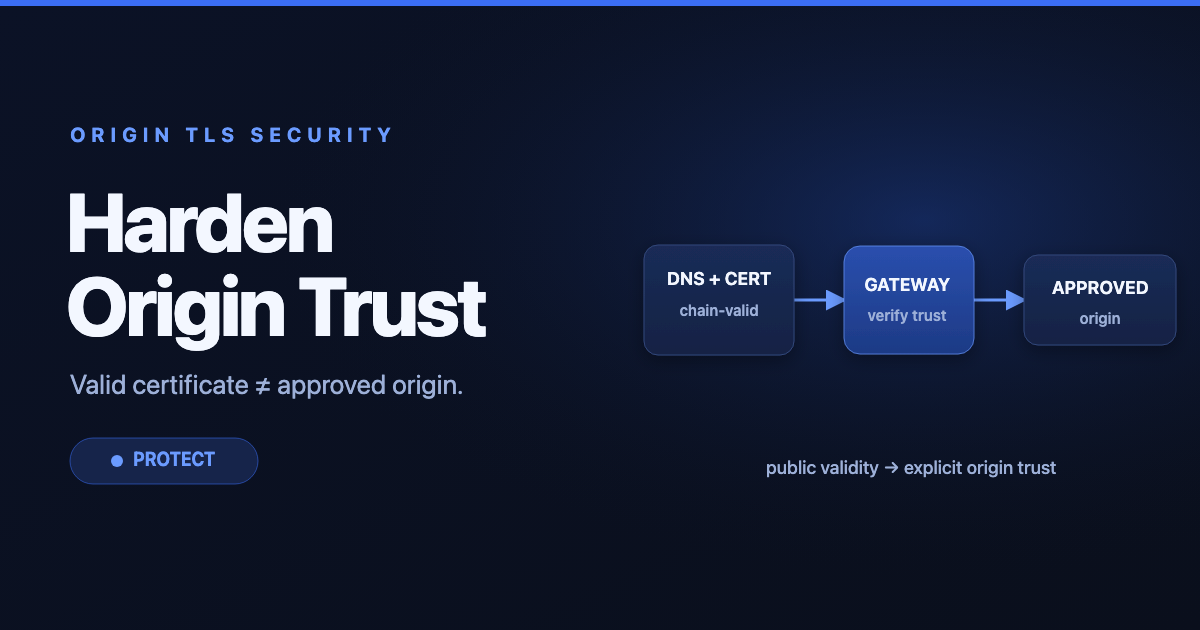
Centralization does not remove the need to secure the credential store or backend authorization. Services should still protect sensitive operations, and the gateway-to-service connection needs its own trust controls.
For a managed deployment, API7 Enterprise provides gateway authentication, traffic policies, observability, and role-based administration built around Apache APISIX.
API Key Security Checklist
- Each application and environment has a separate credential.
- Production values are stored in a protected secret manager.
- Keys are never committed, logged, or returned in errors.
- Browser and mobile clients do not contain shared secrets.
- Permissions, quotas, and network or origin restrictions are minimal.
- Rotation supports overlapping old and new credentials.
- Revocation is tested and has a named owner.
- Monitoring uses a key ID or fingerprint, never the full value.
FAQ
Is an API key the same as an API token?
Not necessarily. Providers use the terms differently. An API key often identifies an application or project, while an access token commonly carries delegated identity, scopes, and an expiration time. Check the provider's security model rather than relying on the label.
Should an API key go in a header or query parameter?
Use the provider-defined header when available. Query parameters are more likely to be recorded in URLs and logs.
Can an API key identify a user?
It can if the provider deliberately issues a separate key per user, but most keys identify an application or project. Use user-aware authentication and authorization for actions performed on behalf of people.
How often should API keys be rotated?
Rotate immediately after suspected exposure or an ownership change. For routine rotation, choose a period that your systems can automate and verify. Short schedules that cause manual outages are less effective than reliable inventory, monitoring, and revocation.
What HTTP status should an API return for key failures?
The API's authentication scheme defines the exact behavior. Common responses are 401 Unauthorized for missing or invalid credentials, 403 Forbidden for an authenticated caller that lacks permission, and 429 Too Many Requests when a valid caller exceeds a rate limit.