Operating MCP Gateways with the 2026-07-28 Protocol

June 16, 2025
The MCP 2026-07-28 protocol revision changes important gateway assumptions: the protocol core is stateless, each request carries version and capability information, and older initialization and protocol-session behavior belongs in an explicit compatibility path. This article focuses on those operating consequences for routing, authorization, retries, and observability.
For the foundational definition and use cases, start with What Is an MCP Gateway?. For deployment topology and trust boundaries, use MCP Gateway Architecture. A gateway is not required by MCP, but it becomes useful when many clients and servers must follow shared security and operational policies.
How an MCP Gateway Works
flowchart LR
    A[AI application or agent] --> B[MCP client]
    B --> C[MCP gateway]
    C --> D[MCP server A]
    C --> E[MCP server B]
    D --> F[Tools and data]
    E --> G[Tools and data]
A typical request follows this path:
- An MCP client sends a self-contained request through the gateway.
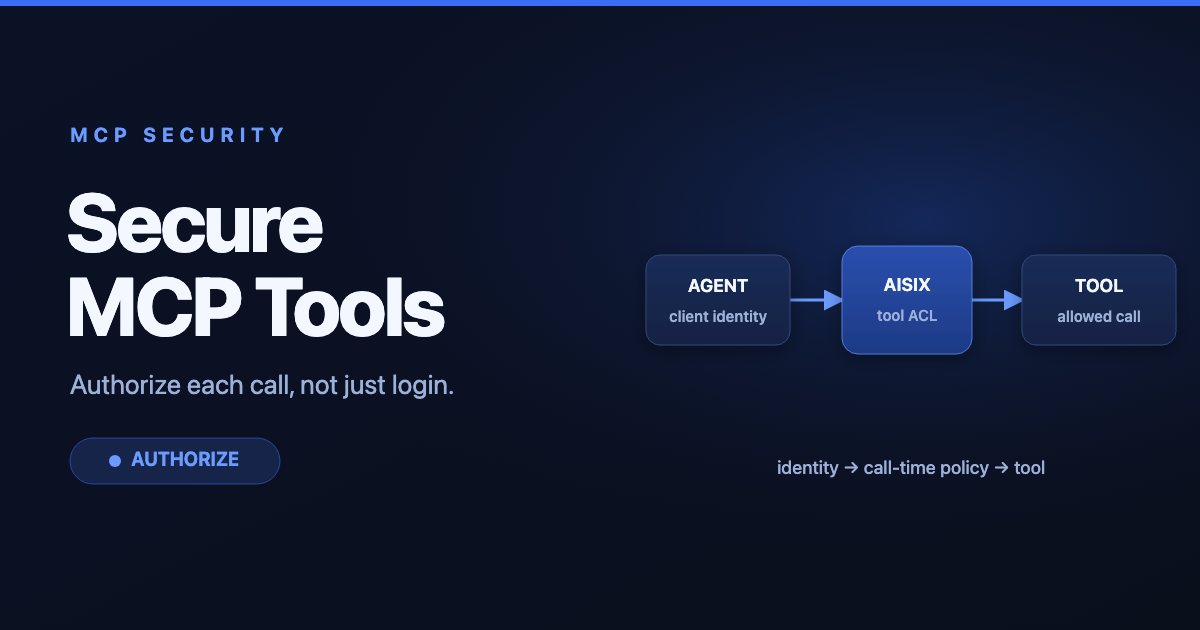
- The gateway authenticates the caller where authorization is configured and evaluates its access policy.
- The gateway routes the request to an approved MCP server.
- The server returns tool, resource, prompt, or result data through the same path.
- The gateway records policy decisions, errors, latency, and other audit data.
For remote connections, the current MCP specification defines Streamable HTTP over POST. MCP 2026-07-28 removed the initialization handshake and protocol-level Mcp-Session-Id; each request carries its protocol version and client capabilities. The Mcp-Method and Mcp-Name headers let intermediaries route or apply policy without treating the JSON body as a custom parsing contract. See the official MCP transport specification for the normative behavior.
MCP Gateway vs. MCP Server vs. AI Gateway
| Component | Primary responsibility | Typical scope |
|---|---|---|
| MCP client | Connects an AI application to MCP servers | One application or agent runtime |
| MCP server | Exposes tools, resources, or prompts through MCP | One service or capability domain |
| MCP gateway | Applies shared routing, identity, access, and audit policies | Multiple clients and servers |
| AI gateway | Manages model-provider traffic, credentials, quotas, and model observability | Calls to LLM and embedding APIs |
An MCP gateway controls access to tools and context. An AI gateway primarily controls traffic to AI models. A deployment may use both: the MCP layer governs what an agent can do, while the AI gateway governs how it calls models.
Core Capabilities
Centralized Discovery and Routing
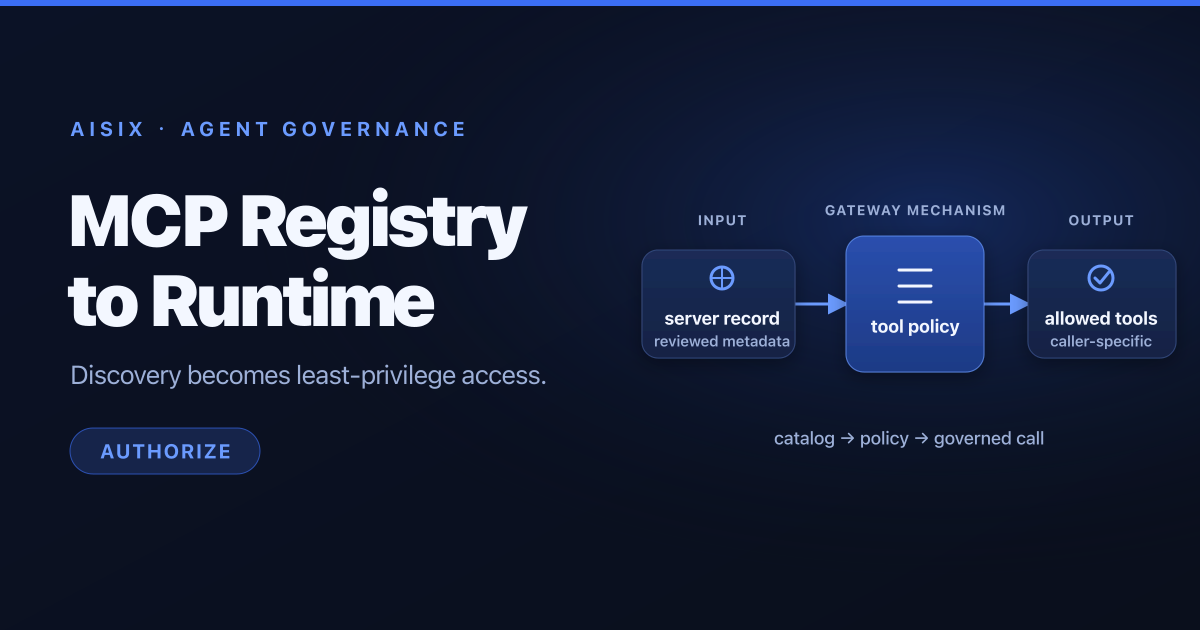
Without a gateway, every client must know how to reach each MCP server. A gateway can expose a stable entry point and route traffic to the appropriate server based on tenant, environment, tool namespace, or another explicit policy. This reduces client configuration and makes server changes easier to manage.
Identity and Access Control
A production gateway should connect enterprise identity to MCP authorization decisions. Common controls include:
- authenticating clients before they reach an MCP server;
- restricting which servers and tools a user, workload, or role can access;
- separating development, staging, and production environments;
- preventing credentials from being forwarded to unauthorized upstreams; and
- applying least-privilege, role-based access control.
Authentication alone is not enough. The gateway must authorize the specific tool or resource requested, because an authenticated agent may still be allowed to use only a subset of capabilities.
Stateless Traffic and Legacy Compatibility
Current MCP requests are stateless at the protocol layer, so a gateway does not need sticky routing or a shared session store for 2026-07-28 traffic. Applications can still maintain state by returning an explicit handle that a later tool call supplies as an argument.
Earlier revisions through 2025-11-25 used initialization and could establish a transport session with Mcp-Session-Id. A gateway that supports those clients must isolate legacy handling, preserve the negotiated protocol behavior, and avoid mixing sessions between callers. Retry policies also need care in every version: a tool call may have side effects, so a gateway should not replay it unless application semantics make the retry safe.
Security for Tools and Sensitive Data
MCP connects models to systems that can read data or take actions. That expands the impact of prompt injection, excessive permissions, and data leakage. Useful gateway controls include:
- allowlists for servers and tools;
- validation of destination URLs and transport settings;
- request and response size limits;
- rate limits and concurrency limits;
- redaction rules for secrets or sensitive data; and
- explicit approval for high-impact operations.
A gateway can enforce these controls, but it cannot determine whether every tool result is trustworthy. Applications still need model-level defenses, human approval where appropriate, and secure tool implementations.
Audit Logs and Observability
Centralized audit logs help operators answer who connected, which tool was requested, which policy allowed it, how long it took, and whether it failed. Avoid logging secrets or full sensitive payloads by default. Instead, use identifiers, policy results, timings, and carefully selected metadata.
Operational metrics can include request counts by protocol version, tool-call latency, error rates, rejected requests, subscription health, cache behavior, and upstream health. Correlation IDs make it easier to trace a multi-step workflow across the client, gateway, and server.
When Do You Need an MCP Gateway?
Direct client-to-server connections can be sufficient for local development or a small trusted setup. Consider a gateway when you have:
- several MCP clients or servers;
- enterprise identity and role requirements;
- multiple teams, tenants, or environments;
- sensitive tools or regulated data;
- a need for centralized audit logs and policy enforcement; or
- server endpoints that must change without reconfiguring every client.
The gateway should solve a concrete control or operations problem. Adding one to a single-user local workflow may create complexity without improving security.
Deployment Checklist
Before exposing MCP servers through a shared gateway:
- Inventory every server, tool, resource, and data owner.
- Define default-deny access policies by identity and environment.
- Preserve current MCP headers and isolate any explicitly supported legacy-session behavior.
- Set conservative timeouts, payload limits, and concurrency limits.
- Decide which tool calls require user confirmation.
- Redact secrets and sensitive fields from logs.
- Test unavailable upstreams, denied tools, cancellation, subscriptions, and partial streaming failures.
- Monitor policy denials, latency, errors, and unexpected tool-use patterns.
FAQ
Does MCP require a gateway?
No. An MCP client can connect directly to an MCP server. A gateway is an architectural choice for centralizing routing, security, and operations.
Is an MCP gateway the same as an API gateway?
Not exactly. They share capabilities such as authentication, rate limiting, routing, and observability, but an MCP gateway must also preserve MCP versions and transport semantics and enforce tool-level access. Some API gateways can be extended to provide these functions.
Does an MCP gateway stop prompt injection?
It can reduce the impact by restricting tools, validating destinations, limiting data exposure, and requiring approval for sensitive actions. It cannot eliminate prompt injection on its own.
What should an MCP gateway log?
Log identities, server and tool identifiers, policy decisions, timestamps, correlation IDs, latency, and errors. Do not log credentials or complete sensitive payloads unless there is a justified and protected audit requirement.
Next Steps
Start with AI Gateway vs. MCP Gateway vs. API Gateway to choose the right control point. The AI Gateway Guide covers the broader operating model for model and agent traffic. For product evaluation, explore AISIX AI Gateway; for general gateway architecture, read What Is an API Gateway?.