Rootless Containers Do Not Replace API Security

July 28, 2026
Key Takeaways
- Rootless containers reduce the privileges available to a compromised container process and can limit host-level impact.
- They do not decide whether an authenticated caller may invoke an API, protect sensitive business flows, or stop a service from making allowed but dangerous upstream requests.
- Container isolation and API gateway policy protect different boundaries and should be deployed together.
- Kubernetes teams should combine non-root execution, minimal Linux capabilities, read-only filesystems, network restrictions, explicit routes, authentication, rate limits, and audit logs.
- API7 Enterprise and Apache APISIX provide a shared runtime layer for governing API traffic while the container platform constrains processes.
Rootless containers are an increasingly practical way to reduce the privileges associated with container runtimes and workloads. A developer discussion on securing services without a rootful container runtime illustrates the appeal: containers are often described as isolated, yet excessive runtime privilege can turn one application compromise into a host problem.
Running without root is a meaningful improvement. User namespaces can map container identities to unprivileged host identities. A process that escapes or abuses the runtime has fewer permissions available. Operators can remove capabilities, block privilege escalation, and make the filesystem read-only.
But rootless does not mean riskless. Many application compromises stay entirely within the application or API layer. An attacker may never need host root if the service already has permission to read customer records, call internal services, modify orders, or retrieve cloud data. A perfectly isolated container can still perform a destructive action through a legitimate upstream connection.
The right model is layered: constrain what the process can do to the host, then govern what its traffic can do to the system.
What Rootless Containers Actually Protect
Traditional container runtimes often have a privileged daemon or run container processes as root inside the container. Namespaces isolate that root identity from the host, but kernel vulnerabilities, unsafe mounts, broad capabilities, or runtime misconfiguration can weaken the boundary.
Rootless container designs move the runtime and container processes under an unprivileged host user. The Docker rootless mode documentation explains how both the daemon and containers can run without root privileges by using user namespaces. Podman follows a similar rootless model.
This primarily improves host and runtime security:
- A compromised process has fewer host permissions.
- Runtime sockets do not automatically grant host-root control.
- Device access and privileged ports are constrained.
- Dangerous mounts and kernel capabilities are harder to obtain.
- Multiple services can be separated under distinct host identities.
These controls reduce blast radius. They are especially useful for internet-facing services because those processes parse untrusted input continuously.
Rootless operation still has practical boundaries. Low-numbered ports, networking modes, storage drivers, cgroups, and performance behavior may differ by platform. Teams should test the actual production topology rather than assume that switching a flag preserves every operational property.
What Rootless Containers Do Not Protect
Container privilege is not API authorization.
Suppose a customer service runs rootless with a read-only filesystem and no extra Linux capabilities. Its workload identity is still allowed to query the customer database and call a billing service. If an API endpoint has broken object-level authorization, an attacker can read another customer's data through normal application code. The container boundary works exactly as designed while the API security boundary fails.
The same separation appears in common incidents:
- An exposed administrative endpoint accepts requests without authentication.
- A valid user token can access another tenant's objects.
- A bot loops through a costly search or AI endpoint.
- A compromised service account calls internal APIs beyond its intended purpose.
- A large payload exhausts application memory inside the permitted container limit.
- A service sends sensitive data to an approved but inappropriate external destination.
Rootless execution may limit the aftermath, but it cannot infer business intent. The gateway and application must decide which callers, routes, objects, rates, and data flows are allowed.
Two Boundaries, One Request Path
Cloud-native security becomes clearer when teams separate the process boundary from the traffic boundary.
flowchart LR
    client[Client or Service] --> gateway[API Gateway Policy]
    gateway --> workload[Rootless Workload]
    workload --> upstream[Database or Internal API]

    gateway --> identity[Identity and Authorization]
    gateway --> limits[Rate, Schema, and Payload Controls]
    gateway --> logs[Traffic Audit Logs]

    workload --> runtime[Non-root UID and User Namespace]
    workload --> caps[Minimal Capabilities]
    workload --> fs[Read-only Filesystem]
    workload --> network[Restricted Egress]
The container platform answers questions such as:
- Which user runs the process?
- Which files, devices, syscalls, and kernel capabilities can it access?
- How much CPU and memory can it consume?
- Which network destinations can it reach?
The API gateway answers different questions:
- Who is calling?
- Which route and method may the caller use?
- How many requests or tokens are allowed?
- Does the request match the expected schema?
- Which upstream should receive it?
- What should be logged or blocked?
The application remains responsible for object-level and business authorization. No single layer replaces the others.
Distinguish Rootless Runtimes from Non-Root Pods
Security reviews often use "rootless" to describe several related but different controls:
| Control | What It Changes | What It Does Not Prove |
|---|---|---|
| Rootless container runtime | Runs the runtime daemon and containers under an unprivileged host user, usually with user namespaces | That every workload has a restrictive Pod security context |
| Non-root container process | Runs the application with a nonzero UID inside its container | That the runtime daemon itself is rootless |
| Kubernetes user namespace | Maps Pod user IDs to different host IDs when the cluster and runtime support it | That API access or business authorization is correct |
| Pod security context | Constrains UID, capabilities, privilege escalation, seccomp, and filesystem behavior | That the runtime or node has no privileged control path |
Kubernetes provides workload controls through the Pod security context. The official security context documentation covers settings such as runAsNonRoot, allowPrivilegeEscalation, Linux capabilities, seccomp profiles, and read-only root filesystems.
A baseline for an API workload often includes:
apiVersion: v1
kind: Pod
metadata:
  name: orders-api
spec:
  containers:
    - name: api
      image: example/orders-api:1.4.0
      ports:
        - containerPort: 8080
      securityContext:
        runAsNonRoot: true
        allowPrivilegeEscalation: false
        readOnlyRootFilesystem: true
        capabilities:
          drop:
            - ALL
        seccompProfile:
          type: RuntimeDefault
This manifest hardens the Pod's application process; it does not establish that the node's container runtime is rootless. It is a starting point, not a universal manifest. Images must support an arbitrary non-root user, writable paths may need dedicated volumes, and health checks must use ports the process can bind. Admission policy should validate these requirements before deployment.
The Kubernetes Pod Security Standards define Baseline and Restricted profiles that can help teams make these controls repeatable across namespaces.
At the network layer, use NetworkPolicy or an equivalent CNI policy to restrict ingress and egress. A service should not reach every database, metadata endpoint, and public destination by default. Egress policy is particularly important after application compromise because it limits where stolen data or internal credentials can be sent.
Map Controls to the Boundary They Protect
Defense in depth becomes actionable when every control has a defined boundary and owner.
| Layer | Representative Controls | Primary Failure Contained |
|---|---|---|
| Host and runtime | Rootless runtime, user namespaces, seccomp, patched kernel and runtime | Container escape or runtime compromise gaining host privileges |
| Workload | Non-root UID, dropped capabilities, read-only filesystem, resource limits | Compromised process changing its environment or consuming node capacity |
| Network | NetworkPolicy, workload identity, restricted ingress and egress | Unnecessary lateral movement and data exfiltration paths |
| API and application | Explicit routes, authentication, authorization, schema validation, rate limits, audit logs | Unauthorized or abusive use of legitimate service behavior |
The rows are complementary. For example, NetworkPolicy can limit which billing service a workload reaches, while gateway and application policy determine which billing operation and customer record that workload may access.
Add Gateway Controls at the Service Boundary
Once the process is constrained, place the service behind an explicitly configured gateway route. Avoid exposing the Pod, service, or node port directly to untrusted networks.
The gateway policy should verify caller identity and reject requests that do not match the intended host, path, and method. Rate limits protect expensive operations and reduce automated abuse. Request-size limits and schema validation reject malformed input before it reaches application parsers. Timeouts and circuit breakers keep one unhealthy upstream from consuming shared capacity.
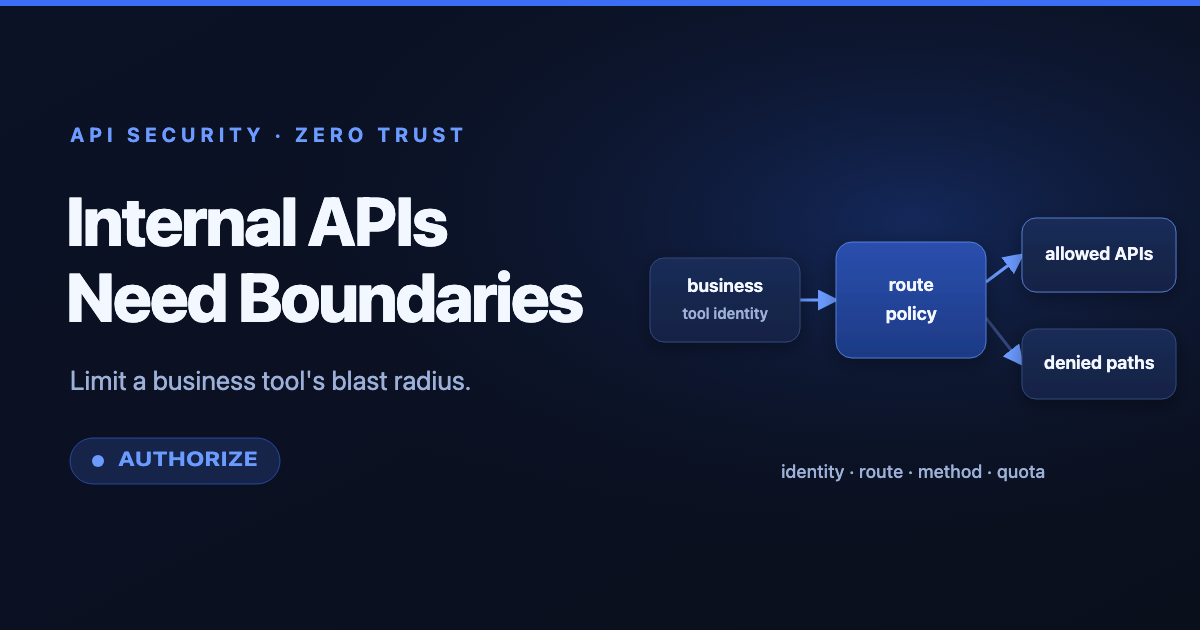
Apache APISIX provides these capabilities through its authentication, security, and traffic-control plugins. API7 Enterprise adds centralized management for applying policies across gateway groups and environments.
This traffic layer is also useful between services. External ingress is not the only trust boundary. A compromised internal workload should not inherit unrestricted access merely because it runs inside the cluster. Zero-trust API architecture treats workload identity and route authorization as explicit controls.
Preserve Enough Context for Incident Response
Container and gateway telemetry answer different parts of an investigation.
Runtime signals show process starts, denied syscalls, filesystem changes, resource exhaustion, and unexpected network connections. Gateway logs show caller identity, route, method, policy decision, upstream, status, latency, and request volume. Application logs explain business actions.
Correlate these layers with stable request and trace identifiers. If a rate-limit alert fires, operators should be able to find the gateway request, the workload instance that handled it, and the downstream call it triggered. API observability becomes more useful when it is connected to container and Kubernetes telemetry rather than stored in an isolated dashboard.
Avoid recording secrets or full sensitive payloads in any layer. Rootless operation cannot protect credentials that an application writes into broadly accessible logs.
Common Design Mistakes
One mistake is treating USER 1000 in a Dockerfile as the complete rootless story. Running the application as non-root is valuable, but a rootful runtime daemon, broad mounts, or added capabilities may preserve a privileged path.
Another is granting capabilities back until the application starts. CAP_SYS_ADMIN, host networking, privileged mode, and writable host mounts can erase much of the isolation benefit. Fix image assumptions and port configuration before expanding privilege.
A third mistake is assuming internal traffic is trusted. Rootless workloads can still be compromised through application vulnerabilities and then use their normal network permissions. Authenticate service traffic and restrict routes and egress.
Finally, do not confuse resource limits with abuse controls. A memory limit protects the node from one container, while a gateway rate limit protects the service and its dependencies from repeated expensive requests. Both are necessary.
A Layered Deployment Checklist
- Run application and gateway processes as non-root where the supported deployment model allows it.
- Drop unnecessary Linux capabilities and disable privilege escalation.
- Use read-only root filesystems with explicit writable volumes.
- Apply seccomp and admission policies consistently.
- Set CPU, memory, and ephemeral-storage requests and limits.
- Restrict workload ingress and egress to required peers.
- Expose services through approved gateway routes, not direct node or service endpoints.
- Require identity and authorization for external and internal callers.
- Add route-specific rate, concurrency, size, timeout, and schema controls.
- Correlate gateway, application, runtime, and Kubernetes telemetry.
- Test the deployment under compromise assumptions, not only healthy traffic.
Conclusion
Rootless containers solve an important problem: they reduce the privileges available when a container process is compromised. API gateways solve a different problem: they govern who can send traffic, which operations are permitted, how much work is allowed, and what evidence is retained.
Production defense needs both boundaries. Constrain the process with rootless execution and Kubernetes security controls. Constrain the request path with explicit routes, identity, authorization, traffic limits, and auditability.
To apply consistent API policies across cloud-native services while preserving deployment flexibility, explore API7 Enterprise and the open-source Apache APISIX gateway.