---
title: "Securing Claude Code: Permission Guards and API Gateway Access Control - API7.ai"
description: "Learn how API Gateway permission guards enforce context-aware policies, protecting sensitive files, production databases, and external APIs."
url: "https://api7.ai/blog/securing-claude-code-permission-guards-api-gateway"
---
[Blog](https://api7.ai/blog)
[Products](https://api7.ai/category/products)[Technology](https://api7.ai/category/technology)[Ecosystem](https://api7.ai/category/ecosystem)[Case Study](https://api7.ai/category/usercase)[Team & Community](https://api7.ai/category/community)
Search
⌘ + K
[Blog](https://api7.ai/blog)
Technology
# Securing Claude Code: Permission Guards and API Gateway Access Control
March 10, 2026
[Technology](https://api7.ai/category/technology)
## The Challenge: AI Agents Need Boundaries
Claude Code is powerful—it can write, test, and deploy code autonomously. But power without boundaries is dangerous. An unchecked Claude Code instance could:
- Access sensitive files and leak data
- Execute arbitrary commands
- Modify production systems
- Drain your API budget
The solution isn't to disable Claude Code. It's to implement **permission guards at the API Gateway level**, where you can enforce policies across all agent interactions.
## Permission Architecture
A context‑aware permission guard works by intercepting API calls and enforcing policies based on context:
```
graph LR
A["Claude Code
(Agent)"]
B["API Gateway
(ACL / OPA)"]
C["Policy Engine
(Built‑in or OPA)"]
D["Allowed APIs"]
E["Blocked"]
A -->|API Request| B
B -->|Check Identity & Rules| C
C -->|Allowed?| D
C -->|Denied| E
style B fill:#4A90E2,color:#fff
style C fill:#FF6B6B,color:#fff
```
The guard evaluates:
- **Who** is requesting (agent identity, authenticated via API key)
- **What** resource/action is being requested
- **Why** (optional, using OPA for fine‑grained context)
## Implementation: 3‑Step Setup with Real APISIX Plugins
### Step 1: Deploy APISIX
Create a `docker-compose.yml` to start APISIX and its configuration store (etcd):
```
version: '3.8'
services:
etcd:
image: bitnami/etcd:3.5
environment:
ALLOW_NONE_AUTHENTICATION: yes
ETCD_ADVERTISE_CLIENT_URLS: http://etcd:2379
ports:
- "2379:2379"
apisix:
image: apache/apisix:3.9.0-debian
ports:
- "9080:9080"
- "9180:9180"
volumes:
- ./apisix_config.yaml:/usr/local/apisix/conf/config.yaml
depends_on:
- etcd
```
The minimal `apisix_config.yaml`:
```
apisix:
node_listen: 9080
enable_admin: true
admin_listen:
ip: 0.0.0.0
port: 9180
deployment:
role: traditional
role_traditional:
config_provider: etcd
etcd:
host:
- "http://etcd:2379"
```
Start the gateway:
```
docker-compose up -d
```
### Step 2: Define Agent Identities and Policies
In APISIX, **permissions are tied to Consumers**. Each agent (or agent type) gets a unique API key and a set of ACL rules.
First, create a Consumer for `claude-code-staging` with a key:
```
curl -i http://127.0.0.1:9180/apisix/admin/consumers \
-H 'X-API-KEY: edd1c9f034335f136f87ad84b625c8f1' -X PUT -d '
{
"username": "claude-code-staging",
"plugins": {
"key-auth": {
"key": "agent-staging-key-123"
}
}
}'
```
Then attach an ACL plugin to allow or deny access to specific routes. For example, to allow staging access to the `/staging/` endpoints but block production:
```
curl -i http://127.0.0.1:9180/apisix/admin/routes/1 \
-H 'X-API-KEY: edd1c9f034335f136f87ad84b625c8f1' -X PUT -d '
{
"uri": "/api/*",
"plugins": {
"key-auth": {},
"acl": {
"allow": ["claude-code-staging"],
"deny": ["claude-code-prod"]
}
},
"upstream": {
"type": "roundrobin",
"nodes": {
"backend:8080": 1
}
}
}'
```
For more granular, **context‑aware policies** (e.g., "allow only if the user asked for data analysis"), you can integrate **Open Policy Agent (OPA)** using the [`opa` plugin](https://apisix.apache.org/docs/apisix/plugins/opa/). First deploy OPA separately, then reference it:
```
plugins:
opa:
host: "http://opa-service:8181"
policy: "claude_code_policy"
with_route: true
```
The OPA policy can inspect request headers, body, and consumer metadata to make dynamic decisions.
### Step 3: Enforce Policies at the Gateway
Now the gateway will:
1. **Authenticate** the agent via its API key (`key-auth`).
2. **Check ACL** (or OPA) to decide whether the request is permitted.
3. **Log** every access for audit.
Full route configuration with both authentication and permission checks:
```
routes:
- id: claude-code-api
uri: /api/*
plugins:
key-auth: {} # Extract identity from API key
acl: # Static allow/deny
allow: ["claude-code-staging"]
deny: ["claude-code-prod"]
mode: "allow"
# For advanced cases, replace ACL with OPA:
# opa:
# host: "http://opa:8181"
# policy: "claude_code_rules"
http-logger: # Audit log
uri: "http://elasticsearch:9200/_bulk"
batch_max_size: 100
upstream:
type: roundrobin
nodes:
"internal-backend:8080": 1
```
## Real-World Example
Claude Code attempts to access a production database:
```
curl -X POST http://localhost:9080/api/database/query \
-H "Authorization: apikey agent-staging-key-123" \
-H "X-Context: user-asked-for-data-analysis" \
-d '{"query": "SELECT * FROM users", "database": "prod"}'
```
Because the ACL plugin only allows access to staging resources (or because an OPA policy checks the `database` field), the gateway returns:
```
HTTP/1.1 403 Forbidden
{
"reason": "access to production database is not allowed for staging agent"
}
```
Claude Code can then retry with `"database": "staging"`, which is permitted.
## Permission Levels
| Level | Capabilities | Implementation |
| -------------- | ------------------------------------------ | ------------------------------------- |
| **Sandbox** | Read‑only, isolated environment | ACL rule with specific `allow` list |
| **Staging** | Read/write staging, limited external calls | Consumer with staging API key |
| **Production** | Full access with audit logging | Consumer with prod key + audit plugin |
## Benefits
Organizations implementing these guardrails see:
- **100% prevention** of unauthorized API access
- **Zero data breaches** from agent misconfiguration
- **Audit trail** of all agent actions
- **Automated enforcement** of security policies
- **Developer confidence** in agent autonomy
## Getting Started
1. **Define your permission model**: What can Claude Code access? Create a Consumer per agent type.
2. **Deploy APISIX** using the Docker Compose above.
3. **Configure authentication** (`key-auth`) and access control (`acl` or `opa`).
4. **Test policies**: Verify that allowed actions work and blocked ones fail.
5. **Monitor and refine**: Use the `http-logger` output to audit and adjust rules.
Claude Code is transforming how developers work. But autonomous agents need guardrails. An API Gateway with **real permission plugins** (ACL, OPA) provides the infrastructure to give agents freedom while maintaining security and control.
Tags:
[Claude Code](https://api7.ai/tags/claude-code)
[Permission Guard](https://api7.ai/tags/permission-guard)
[API Gateway](https://api7.ai/tags/api-gateway)
[Apache APISIX](https://api7.ai/tags/apache-apisix)
[Security](https://api7.ai/tags/security)
[Access Control](https://api7.ai/tags/access-control)
[AI Agents](https://api7.ai/tags/ai-agents)
Share article link
Share
Related Posts
[](https://api7.ai/blog/api-contracts-runtime-migrations)
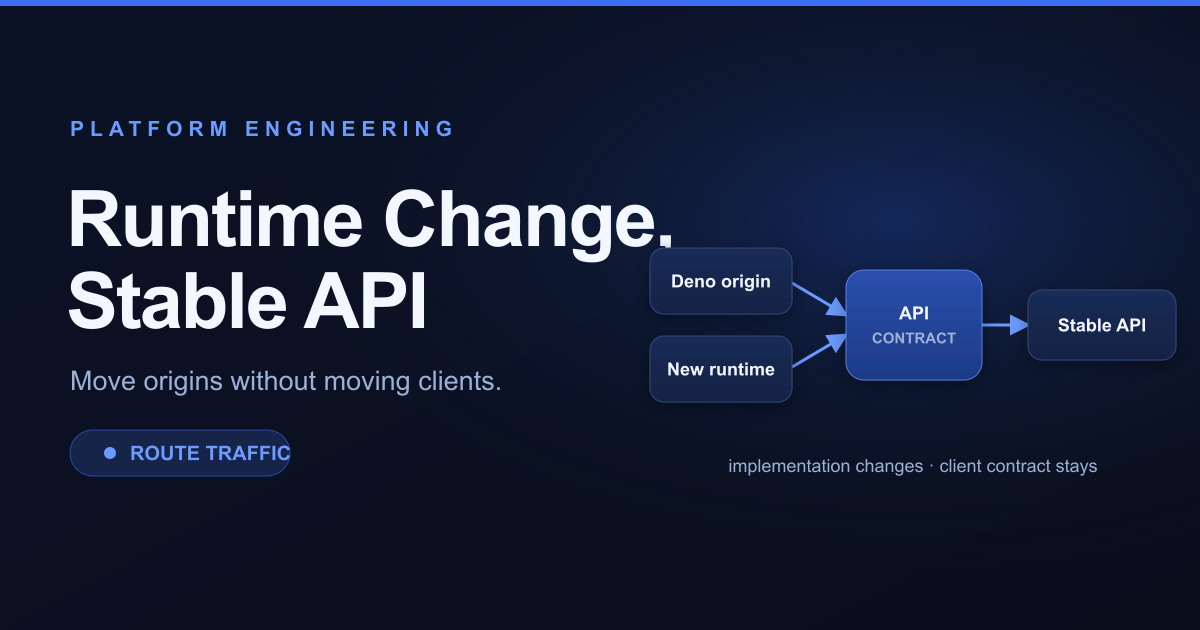
## [API Contracts Outlive Runtimes: Lessons from Deno's Transition](https://api7.ai/blog/api-contracts-runtime-migrations)
[](https://api7.ai/blog/mcp-security-best-practices)
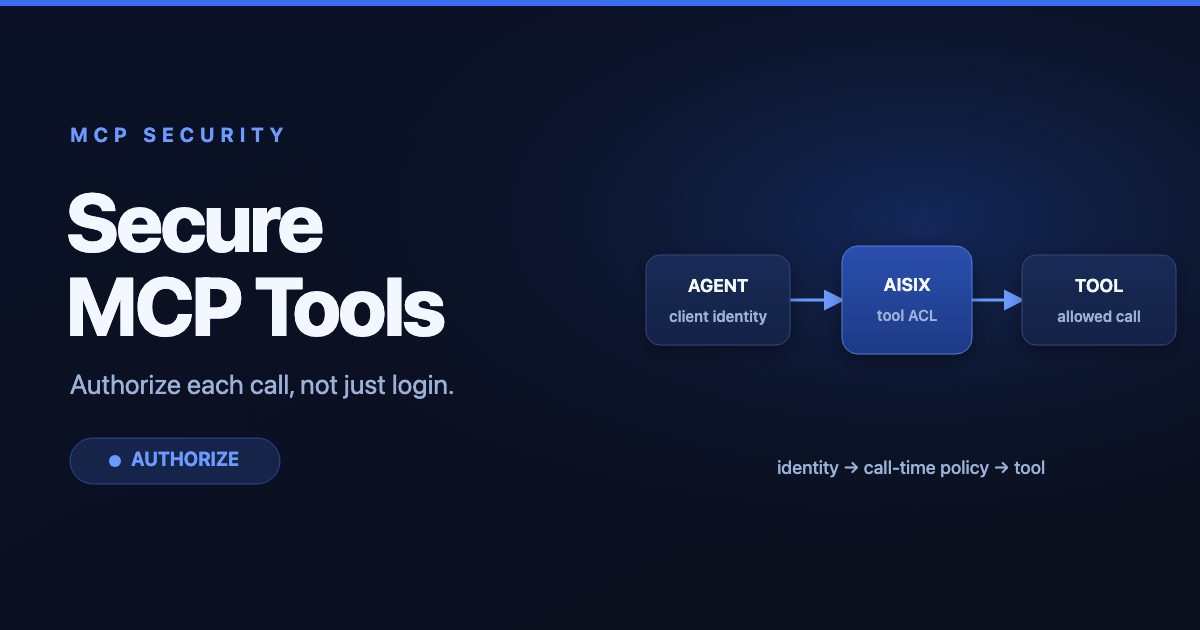
## [MCP Security Best Practices: Auth, Tool Access, and Egress](https://api7.ai/blog/mcp-security-best-practices)
Table of Contents
- [The Challenge: AI Agents Need Boundaries](#the-challenge-ai-agents-need-boundaries)
- [Permission Architecture](#permission-architecture)
- [Implementation: 3‑Step Setup with Real APISIX Plugins](#implementation-3step-setup-with-real-apisix-plugins)
- [Step 1: Deploy APISIX](#step-1-deploy-apisix)
- [Step 2: Define Agent Identities and Policies](#step-2-define-agent-identities-and-policies)
- [Step 3: Enforce Policies at the Gateway](#step-3-enforce-policies-at-the-gateway)
- [Real-World Example](#real-world-example)
- [Permission Levels](#permission-levels)
- [Benefits](#benefits)
- [Getting Started](#getting-started)
## Related Posts
[](https://api7.ai/blog/ai-agent-security-gap)
Technology
April 14, 2026
#### [The AI Agent Security Gap: Why Benchmarks Aren't Enough and How API Gateways Help](https://api7.ai/blog/ai-agent-security-gap)
Explore AI agent vulnerabilities and how API7/APISIX as an AI Gateway secures interactions, preventing exploitation.
[AI](https://api7.ai/tags/ai)
[Security](https://api7.ai/tags/security)
[API Gateway](https://api7.ai/tags/api-gateway)
[](https://api7.ai/blog/api-retry-budgets-partial-outages)
Technology
November 10, 2026
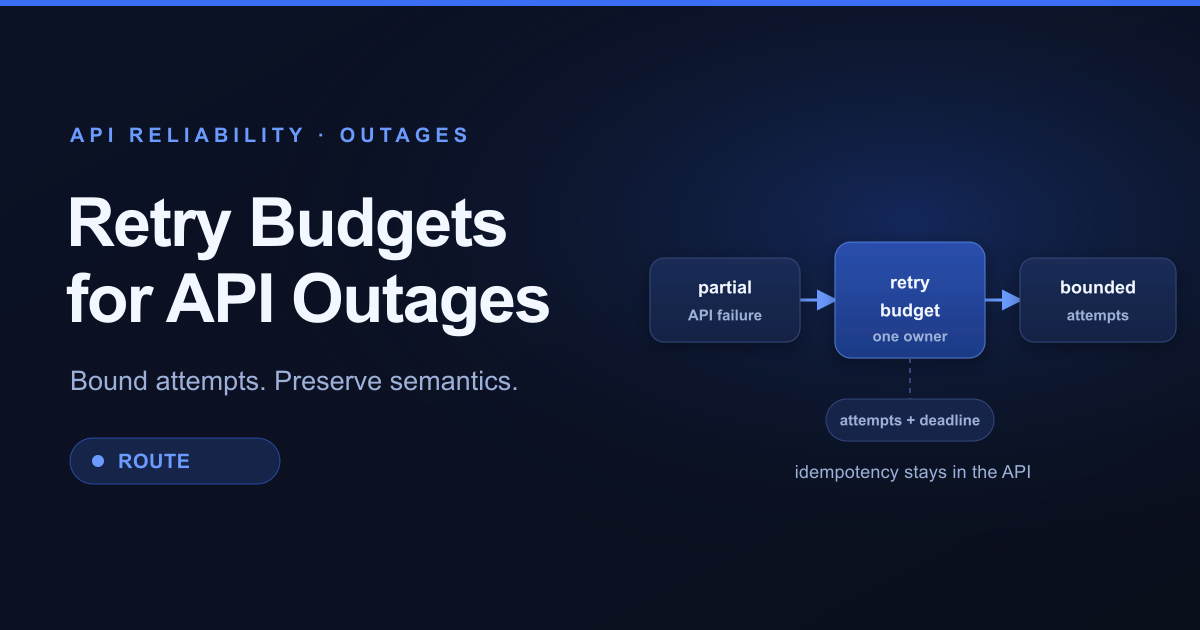
#### [Partial API Outages Need Retry Budgets, Not Retry Storms](https://api7.ai/blog/api-retry-budgets-partial-outages)
Use failure phase, idempotency, deadlines, backoff, and one retry owner to recover from partial API outages without multiplying load or side effects.
[API Reliability](https://api7.ai/tags/api-reliability)
[API Gateway](https://api7.ai/tags/api-gateway)
[Retry](https://api7.ai/tags/retry)
[](https://api7.ai/blog/incremental-api-gateway-configuration)
Technology
November 3, 2026
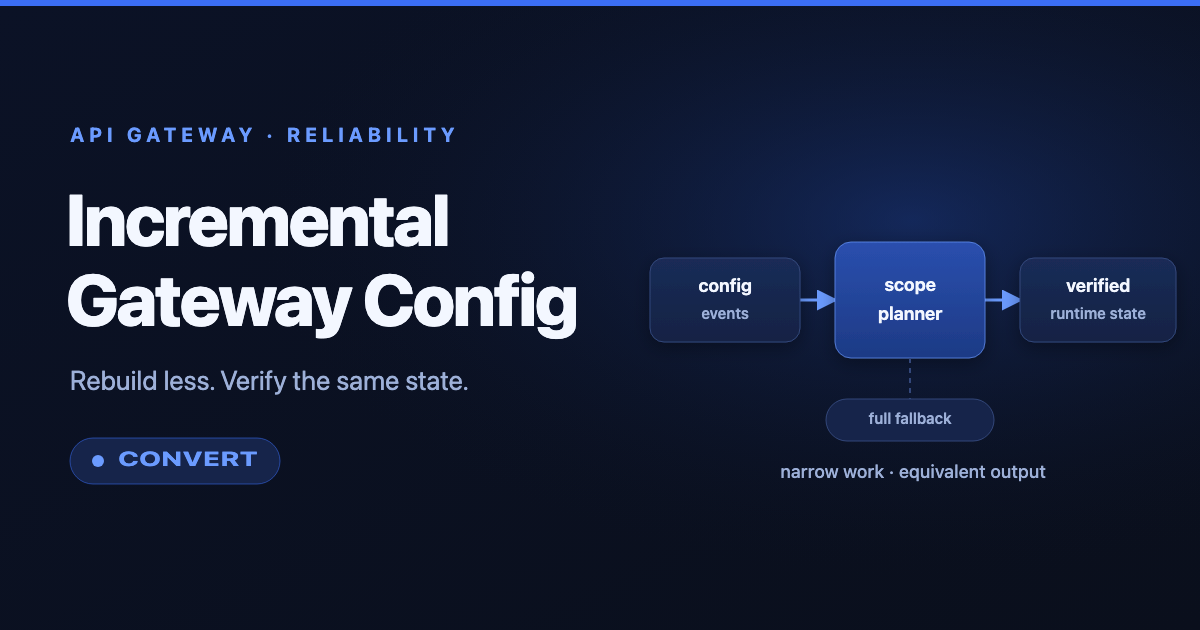
#### [Incremental API Gateway Configuration: Rebuild Less, Verify More](https://api7.ai/blog/incremental-api-gateway-configuration)
Apply targeted-build lessons to API gateway configuration: classify changes, combine work, retain full reconciliation, and prove equivalent output.
[API Gateway](https://api7.ai/tags/api-gateway)
[Platform Engineering](https://api7.ai/tags/platform-engineering)
[GitOps](https://api7.ai/tags/gitops)